Add striking headlines to event flyers
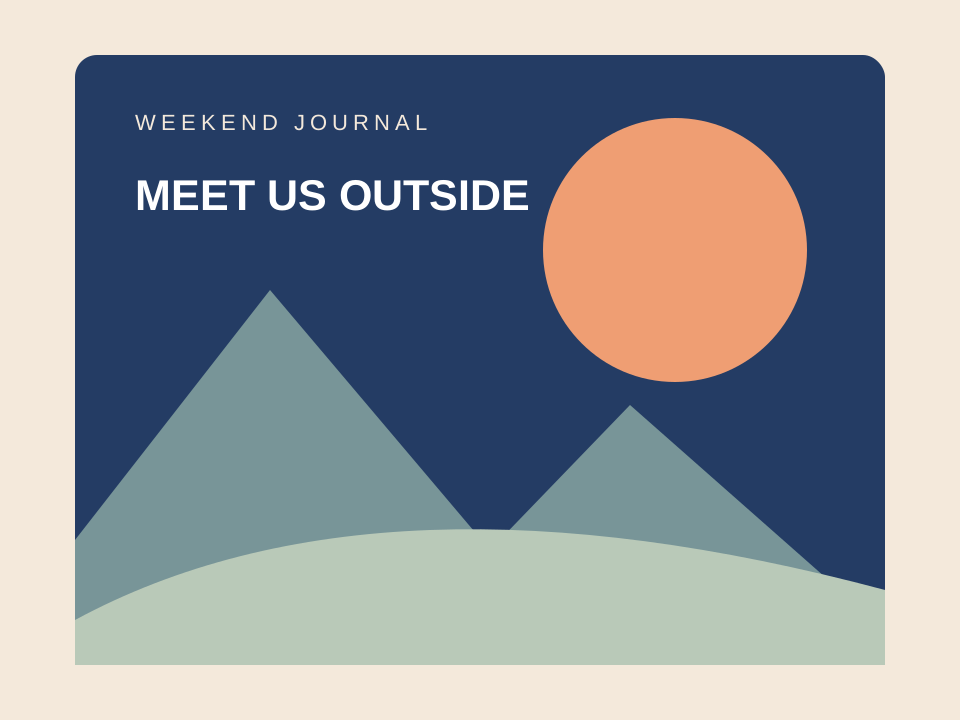
Overlay “MEET US OUTSIDE” on promotional photography. Choose legible fonts and place copy where it avoids focal subjects.
Add text to images online for free. Create captions with editable fonts, colors and backgrounds, drag them into place, and download PNG without signing up.
No image? Try these:
Click to load exampleFree text overlay · No credits used
Select a layer, then drag it on the image. Newlines are supported.
Text replacement uses AI credits. Open the editor and review the trial rules before generating.
Edit image textTrusted by 100,000+ creators & businesses across 180+ countries
This tool draws editable text layers over your image in the browser. Add a headline, a product caption or a tutorial note, move it into position and export the finished image. It is a manual overlay editor, so it does not erase or replace words already inside the photo.
Interactive design examples, not AI-generated results. Load a sample to try your own edit.


Overlay “MEET US OUTSIDE” on promotional photography. Choose legible fonts and place copy where it avoids focal subjects.
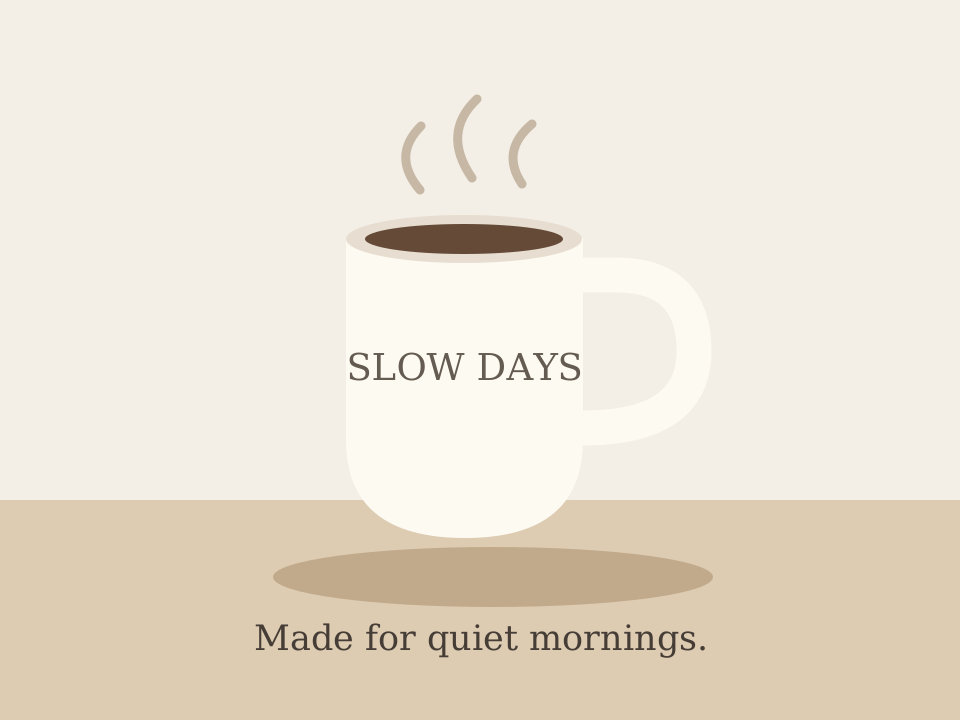
Add short phrases like “Made for quiet mornings.” Keep strong contrast against the image and toggle text backdrops when necessary.
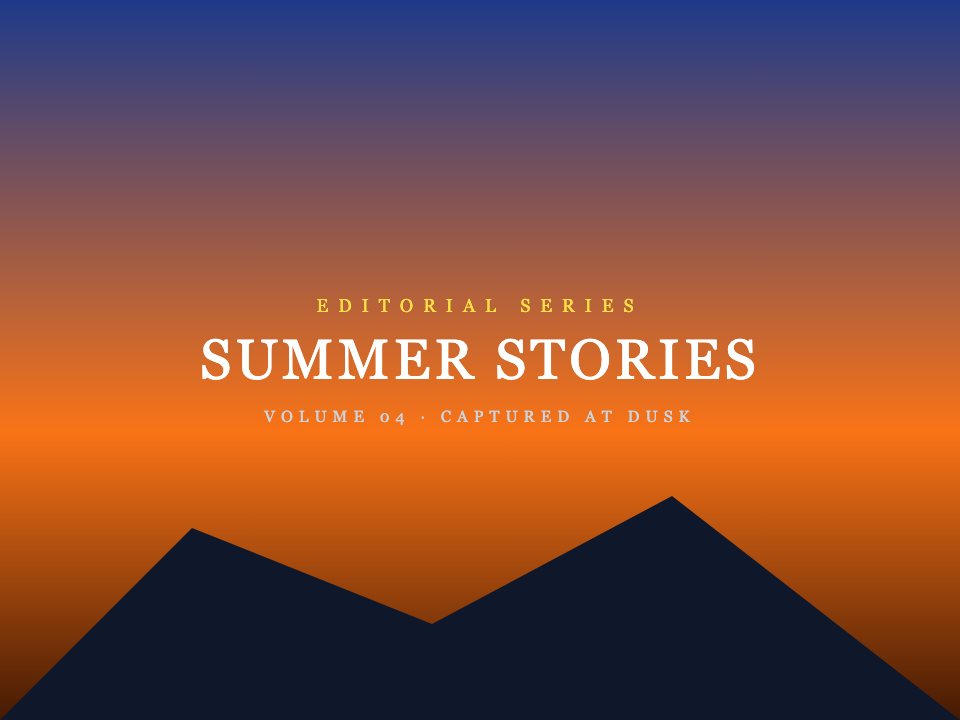
Add centered editorial typography and shooting years to landscape or branding photography. Fast client-side canvas export with zero server upload.
Fast, non-destructive editing in three simple steps.
Upload or paste a PNG, JPG or WebP up to 10 MB. No account is required for this tool.
Add text layers, choose a font, adjust size and color, and drag each layer into place.
Preview your composition and download the flattened PNG. Save the original separately if you want to start again later.
Common questions about text replacement and accuracy
Yes. This browser-based overlay tool requires no signup, uses no AI credits and adds no service watermark to the PNG download.
This add-text tool draws your uploaded image and text locally in your browser; it does not submit them to an AI generation provider.
It adds new layers on top; it does not recognize and replace existing lettering. Use the AI image text editor for replacement, or the text remover for erasing.
The download is a flattened PNG. You can adjust layers while the editor is open, but it does not export PSD or another layered project format.
Ready to edit text in your photo? Upload and preview within seconds.
Clear capabilities and transparent boundaries so you know exactly what to expect
Where our AI excels and delivers best-in-class output
Update ingredients, net weights, or branding directly on existing product photos without booking expensive commercial reshoots.
Swap text on app screenshots into 10+ languages directly instead of rebuilding and re-exporting Figma mockups.
Test different headlines and CTA buttons on finished banner ads to run fast conversion experiments without waiting for designers.
Your design file (PSD/AI/Figma) is lost or the designer is offline. Use our photo text editor to edit text directly on the flattened image.
3D signage, curved packaging, or conference badges and event ticket mockups requiring seamless blending with ambient shadows.
Transparent guidance to save your time
This image text editor is built specifically to edit text in an image that already exists. For blank canvas design, tools like Canva or Figma are better.
Letters only a few pixels tall lack character cues. Always upload the highest resolution version available.
Uploads are single PNG, JPEG or WebP images up to 10 MB. Please export your target page as an image first.
We strictly block edits to passports, government IDs, official stamped certificates, and deceptive alterations.