
Refine mobile chat bubble timestamps and text
Pixel-level anti-aliased replacement for mobile chat apps and UI mockups. Eliminates halo artifacts on solid-color chat bubbles.
Edit text in screenshots for product demos and tutorials. Paste your image, enter the original and replacement text, then compare and download the AI result.
No image? Try these:
Click to load example1 credits · 30–60s
Failed generations are automatically refunded.
By clicking Generate, you confirm you own or are licensed to edit this image and that the edit is not intended to deceive a third party — including visa or immigration submissions, fake refund or transaction proofs, and email or chat screenshots altered to falsify sender, content, or timestamp. We do not process IDs, passports, visa support letters, official seals, bank statements, or tampered receipts. Violations result in account termination without refund; request logs are preserved. See Acceptable Use
Trusted by 100,000+ creators & businesses across 180+ countries
A screenshot saves the words as pixels. This editor replaces a specified phrase without asking you to recreate the whole screen. Use it for your own product mockups, help articles and presentation drafts, then check that the image still represents the product accurately.
Read the step-by-step guideInteractive design examples, not AI-generated results. Load a sample to try your own edit.


Pixel-level anti-aliased replacement for mobile chat apps and UI mockups. Eliminates halo artifacts on solid-color chat bubbles.
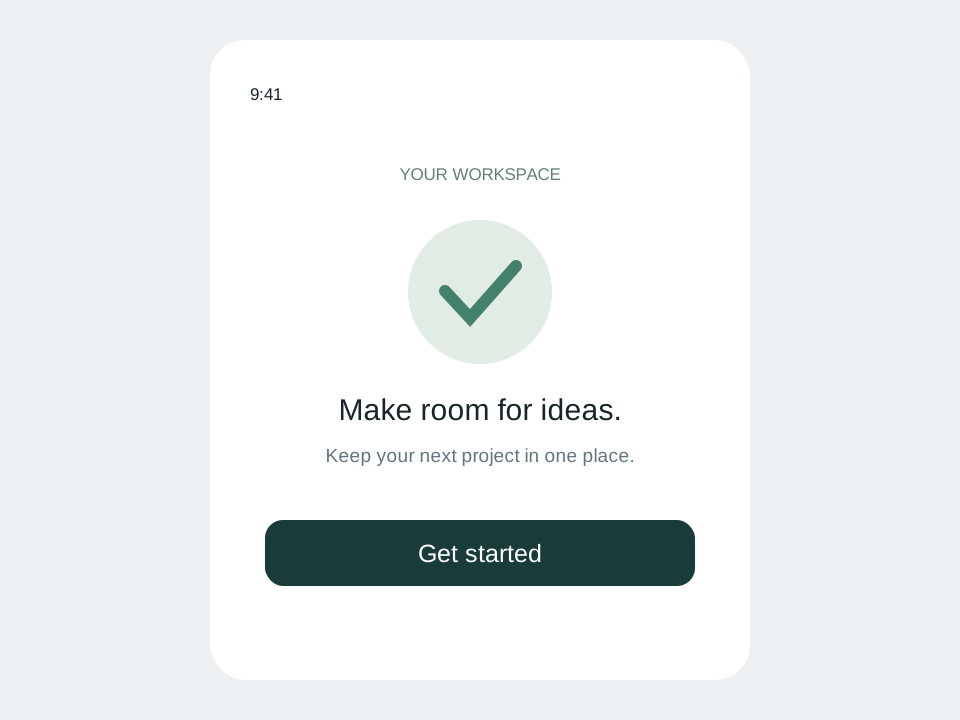
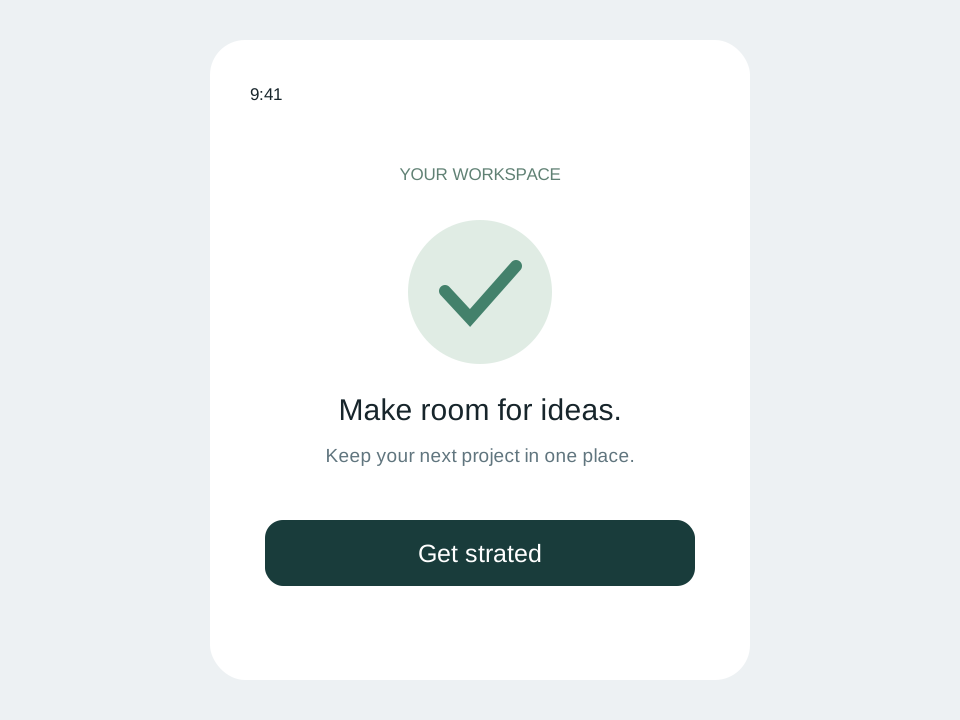
Correct “Get strated” to “Get started” on an onboarding button. Preserves button pill radius, center alignment, and theme colors.
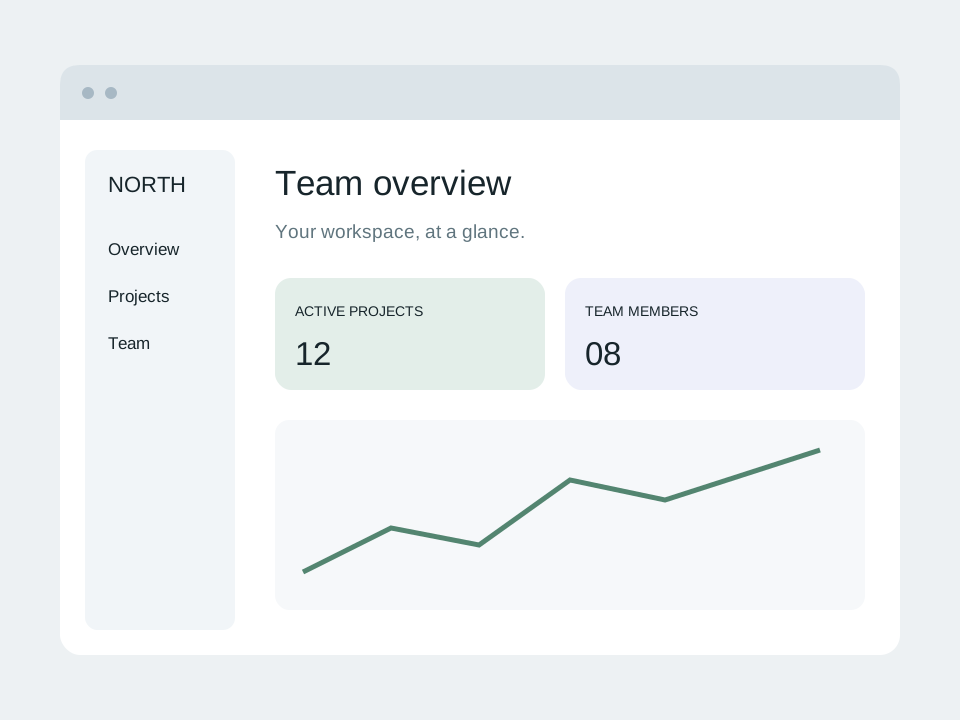
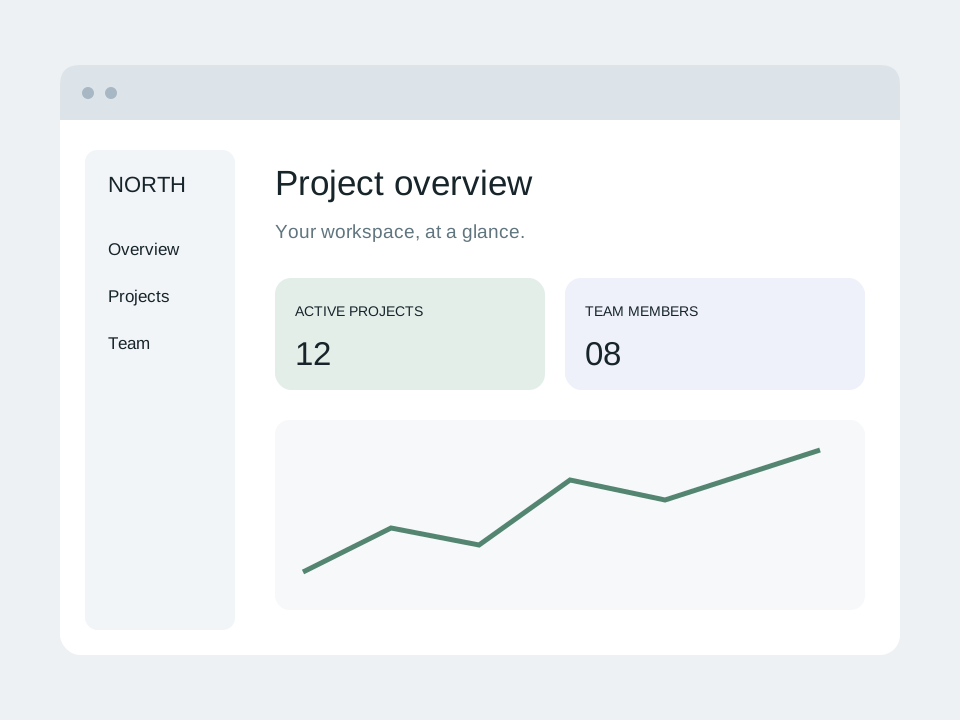
Change “Project overview” to “Team overview” in a SaaS workspace. Keep navigation headers, status badges, and chart metrics sharp.
Fast, non-destructive editing in three simple steps.
Use the original PNG when available. You can paste an image from the clipboard or upload JPG and WebP too.
Enter the old label exactly and write the new wording. Choose the quality mode after checking the credit cost.
Inspect the edited text, buttons, icons and untouched labels. Download only after the screenshot passes your review.
Common questions about text replacement and accuracy
No. It edits the uploaded screenshot only. The application, website and its underlying data stay unchanged.
You can upload PNG, JPG and WebP screenshots from either. Results depend on text size and clarity, rather than which device captured the image.
No pixel-identical guarantee is made. Compare the entire output, especially small icons, status bars and text outside the target phrase.
Fast uses 1 credit and Pro uses 2 per generation. Confirmed failures return the credits charged. A new generation is a new edit, even on the same screenshot.
Ready to edit text in your photo? Upload and preview within seconds.
One-time credit packs, priced in USD. No subscription. Credits never expire.
$9.99
30 credits · $0.333 per edit
$19.99
75 credits · $0.267 per edit
$39.99
180 credits · $0.222 per edit
Credits never expire · Failed generations are automatically refunded · Commercial use included
Clear capabilities and transparent boundaries so you know exactly what to expect
Where our AI excels and delivers best-in-class output
Update ingredients, net weights, or branding directly on existing product photos without booking expensive commercial reshoots.
Swap text on app screenshots into 10+ languages directly instead of rebuilding and re-exporting Figma mockups.
Test different headlines and CTA buttons on finished banner ads to run fast conversion experiments without waiting for designers.
Your design file (PSD/AI/Figma) is lost or the designer is offline. Use our photo text editor to edit text directly on the flattened image.
3D signage, curved packaging, or conference badges and event ticket mockups requiring seamless blending with ambient shadows.
Transparent guidance to save your time
This image text editor is built specifically to edit text in an image that already exists. For blank canvas design, tools like Canva or Figma are better.
Letters only a few pixels tall lack character cues. Always upload the highest resolution version available.
Uploads are single PNG, JPEG or WebP images up to 10 MB. Please export your target page as an image first.
We strictly block edits to passports, government IDs, official stamped certificates, and deceptive alterations.