Edit Text in an Image with the Same Font Style

Edit text in an image while matching its font style, color and layout with AI. Upload your image, replace the words and inspect the result.

No image? Try these:

Click to load example
Credits
Replace text

1 credits · 30–60s

Failed generations are automatically refunded.

By clicking Generate, you confirm you own or are licensed to edit this image and that the edit is not intended to deceive a third party — including visa or immigration submissions, fake refund or transaction proofs, and email or chat screenshots altered to falsify sender, content, or timestamp. We do not process IDs, passports, visa support letters, official seals, bank statements, or tampered receipts. Violations result in account termination without refund; request logs are preserved. See Acceptable Use

Trial credits available after sign-upNo subscription · Pay as you goCredits never expireCommercial use included

Trusted by 100,000+ creators & businesses across 180+ countries

Keep the visual character of your lettering

A finished photo has no editable font layer. Our AI editor uses the visible lettering as a reference for replacement text. You do not need to identify or install a font, but the result still needs checking: exact font files, kerning and every surrounding pixel are not guaranteed.

Read the step-by-step guide

Match Font Style When Replacing Image Text

Interactive design examples, not AI-generated results. Load a sample to try your own edit.

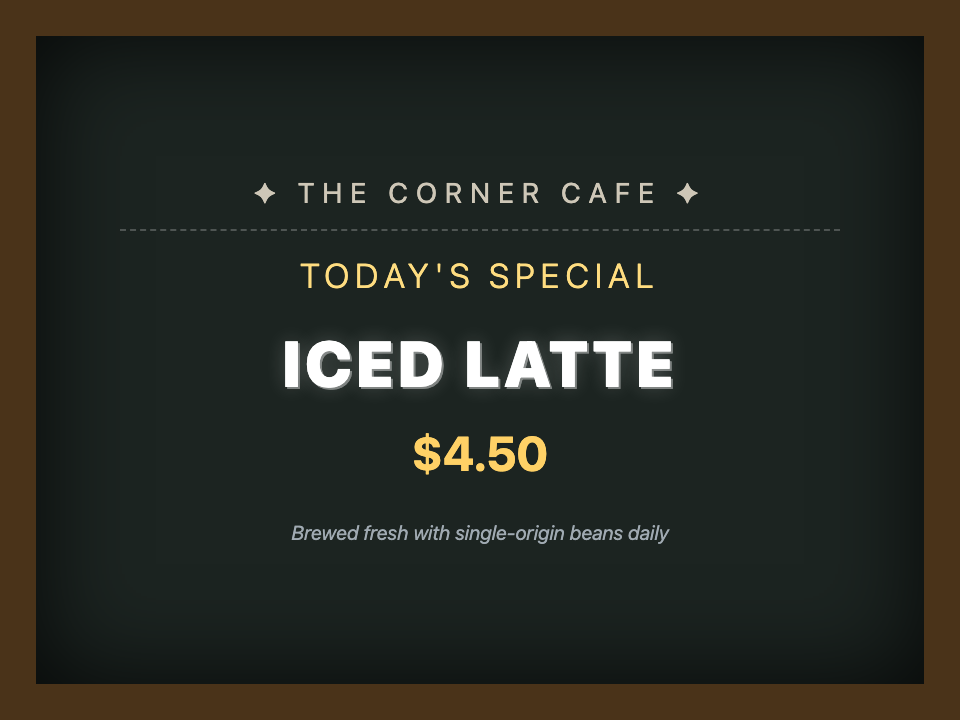
Chalkboard Hand Lettering on Cafe Menus — Design preview
Chalkboard Hand Lettering on Cafe Menus — Before
Before
After
Drag slider to compare before and after50%
01Chalkboard Hand Lettering

Chalkboard Hand Lettering on Cafe Menus

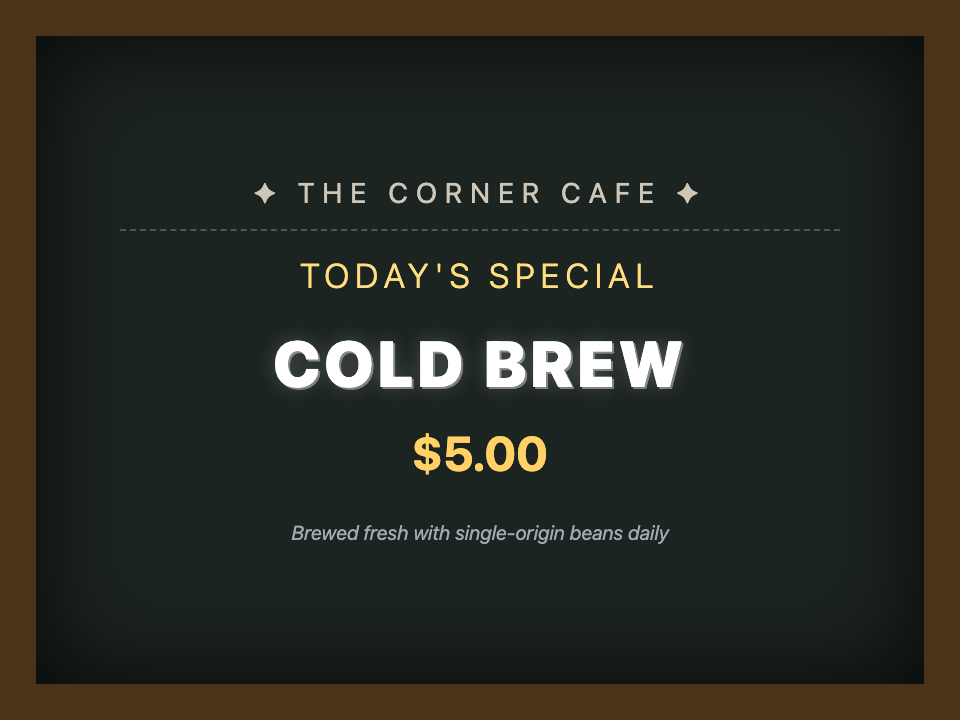
Change ICED LATTE to COLD BREW on cafe chalkboard signs. Seamlessly preserves powdery chalk textures, dust grains, and organic hand strokes.

ICED LATTECOLD BREW
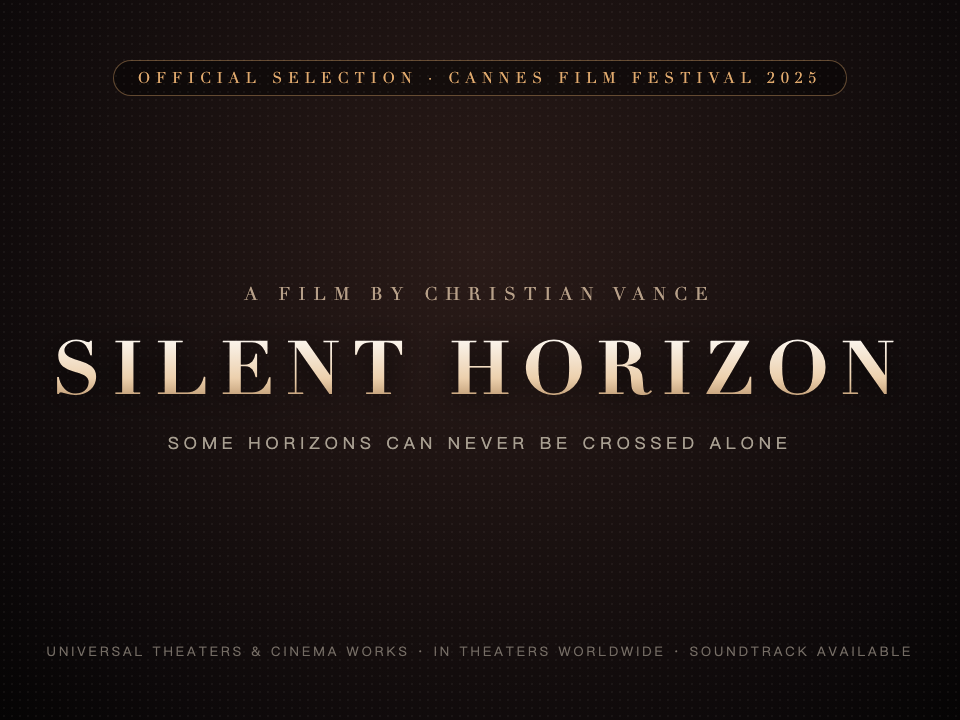
Cinematic Movie Poster Title & Serif Lighting — Design preview
Cinematic Movie Poster Title & Serif Lighting — Before
Before
After
Drag slider to compare before and after50%
02Cinematic Movie Poster Typography

Cinematic Movie Poster Title & Serif Lighting

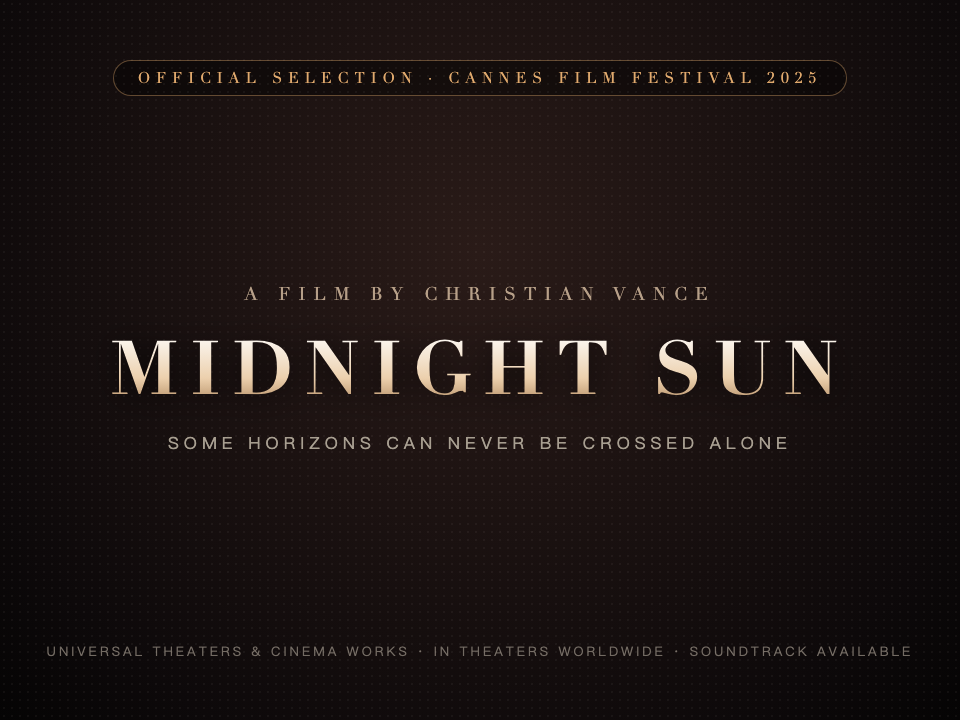
Update MIDNIGHT SUN to SILENT HORIZON on indie film promotional posters. Flawlessly retains theatrical serif glyphs, golden lighting, and film grain.

MIDNIGHT SUNSILENT HORIZON
Luxury Fragrance & Cosmetic Packaging Design — Design preview
Luxury Fragrance & Cosmetic Packaging Design — Before
Before
After
Drag slider to compare before and after50%
03Luxury Cosmetics & Fragrance

Luxury Fragrance & Cosmetic Packaging Design

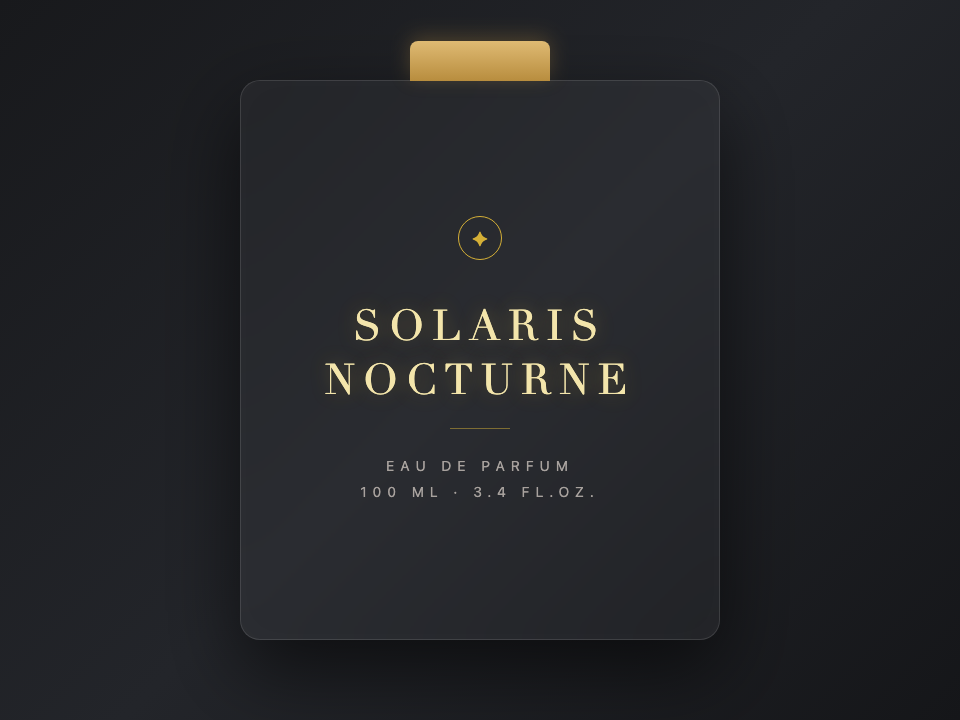
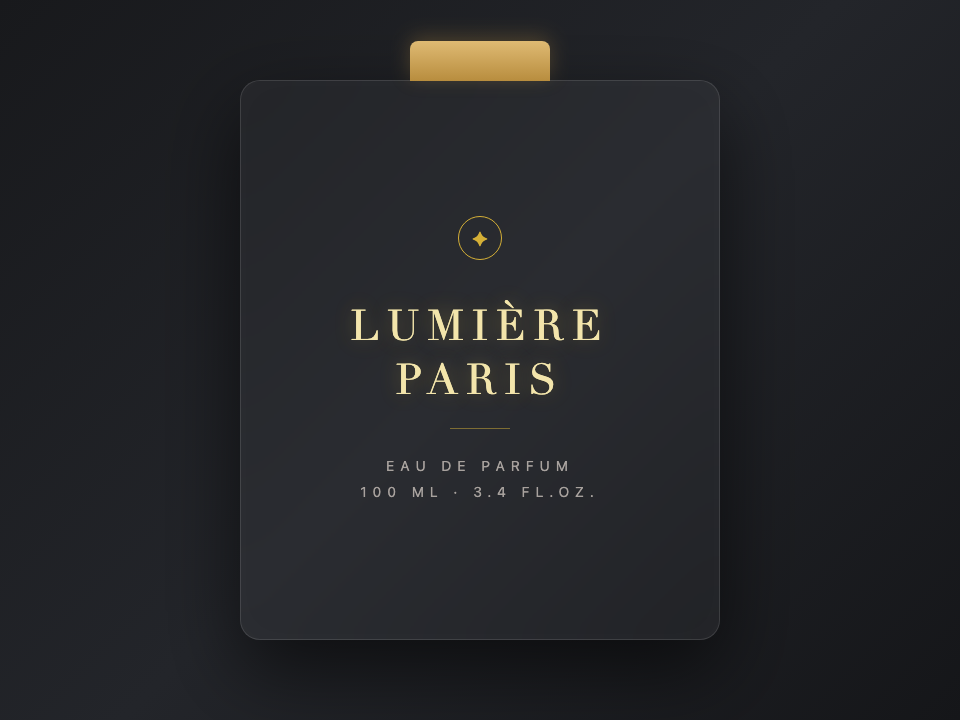
Replace LUMIÈRE PARIS with SOLARIS NOCTURNE on frosted glass perfume bottles. Maintains gold foil embossing, reflections, and luxury kerning.

LUMIÈRE PARISSOLARIS NOCTURNE

How to Edit Image Text with the Same Font Style

Fast, non-destructive editing in three simple steps.

STEP 01

Upload clear lettering

Use a PNG, JPG or WebP up to 10 MB. Larger, legible text gives the model more visual detail to work with.

STEP 02

Enter the complete phrase

Copy the original phrase and enter its replacement. Choose Fast or Pro and review the displayed credit cost.

STEP 03

Compare the typography

Review spelling, font style, spacing and background before downloading. Keep the original if you need further corrections.

Pro Tips

Get a cleaner result

  • Use replacement phrases of a similar length to reduce layout changes.
  • Small, decorative or heavily distorted lettering needs closer review.
  • For exact brand typography, use the source design and licensed font files.

Questions About Font Matching

Common questions about text replacement and accuracy

Does this identify the font name?

No. It edits the image using visible lettering as a reference; it does not return a font name or downloadable font file.

Will the font be exactly identical?

AI aims to match the style, but details such as kerning and decorative strokes may differ. Compare the output with the original before using it.

Can I try it for free?

Signup trial credits are available when enabled; see the live trial rules in the editor. Fast uses 1 credit and Pro uses 2. More edits require purchased credits.

Is this different from adding a text layer?

Yes. This replaces existing words in a flattened image. Use the free add-text tool when you want a new caption placed over the image.

Start with your own image

Ready to edit text in your photo? Upload and preview within seconds.

Open the editor

Pay only for what you use.

One-time credit packs, priced in USD. No subscription. Credits never expire.

Starter

$9.99

30 credits · $0.333 per edit

  • Same editing features in every pack
  • 2K AI output with purchased credits · Free credits render at 1K
  • Purchased credits never expire
  • Download completed results without another charge
  • Credits are automatically returned for confirmed failed AI jobs

Pro

POPULAR

$19.99

75 credits · $0.267 per edit

  • Same editing features in every pack
  • 2K AI output with purchased credits · Free credits render at 1K
  • Purchased credits never expire
  • Download completed results without another charge
  • Credits are automatically returned for confirmed failed AI jobs

Studio

$39.99

180 credits · $0.222 per edit

  • Same editing features in every pack
  • 2K AI output with purchased credits · Free credits render at 1K
  • Purchased credits never expire
  • Download completed results without another charge
  • Credits are automatically returned for confirmed failed AI jobs

Credits never expire · Failed generations are automatically refunded · Commercial use included

When is PhotoTextEdit the Right Tool?

Clear capabilities and transparent boundaries so you know exactly what to expect

Ideal Use Cases

Where our AI excels and delivers best-in-class output

E-commerce packaging & labels (No studio reshoots)

Update ingredients, net weights, or branding directly on existing product photos without booking expensive commercial reshoots.

App Store localization (No Figma rebuilding)

Swap text on app screenshots into 10+ languages directly instead of rebuilding and re-exporting Figma mockups.

Ad creative & headline A/B testing

Test different headlines and CTA buttons on finished banner ads to run fast conversion experiments without waiting for designers.

Finished graphics without design source files

Your design file (PSD/AI/Figma) is lost or the designer is offline. Use our photo text editor to edit text directly on the flattened image.

Strict font, lighting, and perspective matching

3D signage, curved packaging, or conference badges and event ticket mockups requiring seamless blending with ambient shadows.

When Not To Use

Transparent guidance to save your time

Designing a graphic from a blank canvas

This image text editor is built specifically to edit text in an image that already exists. For blank canvas design, tools like Canva or Figma are better.

Extremely tiny or heavily pixelated text (< 15px)

Letters only a few pixels tall lack character cues. Always upload the highest resolution version available.

Multi-page PDFs or thick document packages

Uploads are single PNG, JPEG or WebP images up to 10 MB. Please export your target page as an image first.

Identity documents, official seals, or fraudulent edits

We strictly block edits to passports, government IDs, official stamped certificates, and deceptive alterations.