
The 6 Best Image Text Editors in 2026: An In-Depth, Honest Comparison
Compare 6 top image text editors in 2026: PhotoTextEdit, Photoshop, Canva, and Photopea. Discover real-world font matching, background repair, and costs.
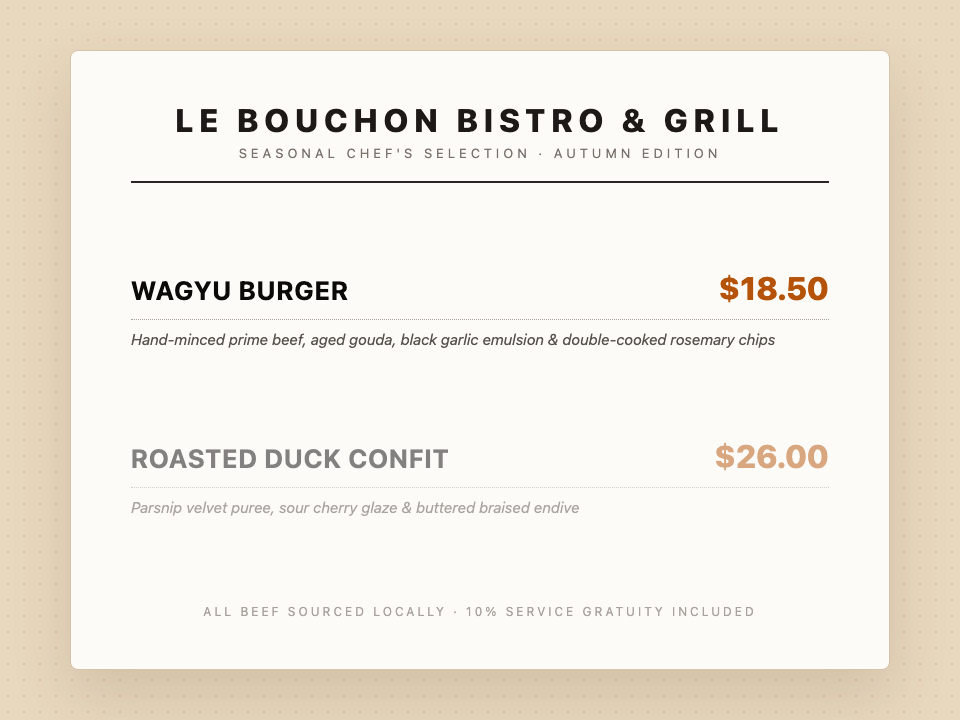
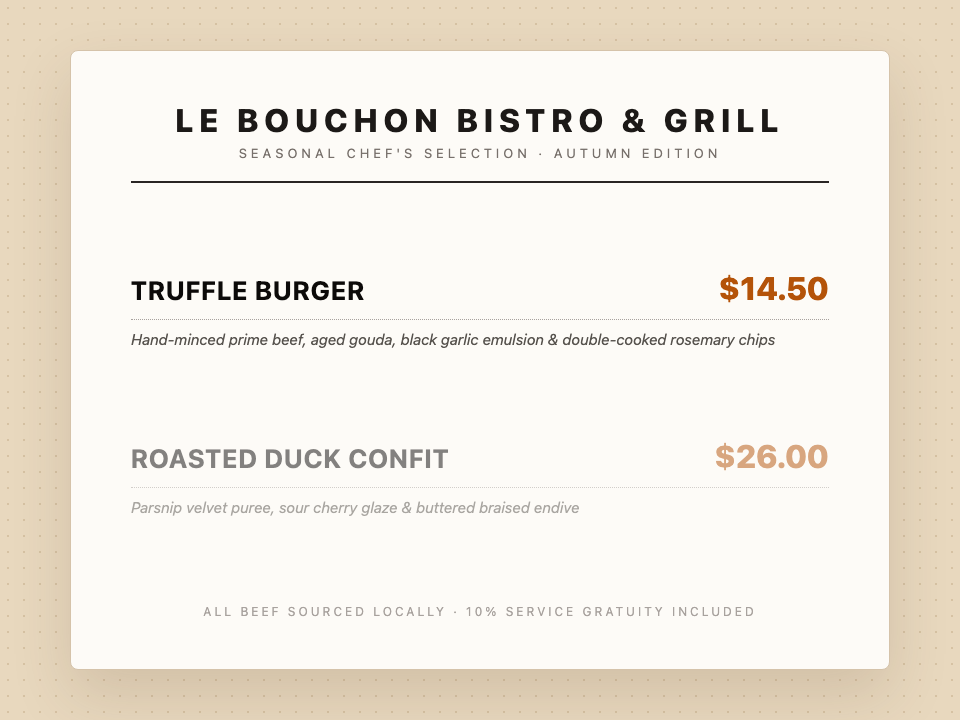
Changing text that is already flattened inside an image is one of the most frustrating design tasks. The poster is already approved, the social campaign is scheduled, and you spot a glaring typo in the headline. The original PSD or design project file is missing, and all you have is a flat JPEG or PNG.
Most tools advertised as "image text editors" cannot actually edit the text inside your image. Instead, they slap an opaque text box on top of the picture.
To help you choose the right tool for your specific workflow, we evaluated the 6 best image text editing tools available in 2026, comparing their typography fidelity, background reconstruction quality, learning curves, and real costs.
The Two Fundamentally Different Types of "Text Editors"
Before comparing tools, it is crucial to understand why so many online tools leave users disappointed:
- Overlay Editors (Canva standard, Picsart, Meme Makers): These tools add a new layer of text above your existing pixels. They are great for creating social media banners from scratch, but they cannot modify words that are already baked into an image. If you type new text over a photo, the old words remain visible underneath unless you manually cover them with a clumsy colored block.
- In-Place Image Text Editors (PhotoTextEdit, Photoshop Generative Fill):
These tools perform three complex tasks simultaneously:
- Locate and erase the target characters from the pixel grid.
- Rebuild the background (Inpainting) behind the letters, recreating textures, gradients, and shadows.
- Re-render the replacement text in the matching font family, weight, lighting, angle, and perspective.
Quick Comparison: The 6 Tools at a Glance
| Tool | Core Strength | In-Place Font Matching | Learning Curve | Pricing Model |
|---|---|---|---|---|
| PhotoTextEdit | Precision AI text replacement | Automatic (reads pixel contours) | Zero (upload & type) | Free trial + Pay-as-you-go |
| Adobe Photoshop | Total pixel-level manual control | Manual (Match Font + Warp) | Steep (pro designers) | $20.99+/mo subscription |
| Canva (Grab Text) | Fast edits on Canva templates | Approximate font selection | Easy | Canva Pro subscription ($15/mo) |
| Photopea | Free in-browser Photoshop clone | Manual (requires font files) | Moderate | Free with ads |
| MagicEraser | Erasing text and objects | None (removal only) | Zero | Free daily allowance |
| Fotor / Inpaint | Basic texture patching | None (blur/clone stamp) | Low | Subscription / Credits |
1. PhotoTextEdit: Best All-in-One AI In-Place Text Editor
PhotoTextEdit is a specialized, web-based AI platform engineered specifically to replace, erase, or add text in existing photos while preserving the original typography, background texture, and natural perspective.
How It Works
You upload an image (JPG, PNG, or WebP up to 10 MB), type the original text as it appears, and enter your desired replacement. PhotoTextEdit's AI model detects the font contours, erases the old letters, reconstructs the background underneath, and redraws the new words in identical lighting and geometry.
Where It Excels
-
No Font Files Needed: It extracts font styling, stroke weight, kerning, and color directly from pixel gradients.
-
Natural Perspective & Angle: Automatically slants and scales text to match tilted street signs, product labels, and curved book covers.
-
Dedicated Use-Case Workflows:
- Match Font from Image — For preserving exact artistic styles.
- Fix Text in AI Generated Images — For repairing garbled Midjourney and DALL·E text.
- Edit Screenshot Text — For clean UI updates without fuzzy compression artifacts.
- Change Date in Image — For reusing event flyers and promo banners.
-
Zero Lock-In: Flexible pay-as-you-go credit packages with no recurring monthly subscriptions. Failed generations are automatically refunded.
-
Best suited for short phrases, headlines, dates, and prices. Modifying full paragraphs of small body copy is slower than re-typesetting.


2. Adobe Photoshop: Best for Print-Grade Absolute Control
Adobe Photoshop remains the gold standard for commercial print masters, packaging pre-press, and high-stakes design work where you need direct control over every pixel and vector anchor.
How It Works
- Use the Lasso or Object Selection Tool to select the target text.
- Run Generative Fill (or Content-Aware Fill) to eliminate the old text and rebuild the background.
- Use Type → Match Font to identify similar fonts from your local system or Adobe Fonts library.
- Type your new text, apply Edit → Transform → Perspective/Warp, and add matching grain, blur, and blend modes.
Pros & Cons
- Pros: Unmatched precision, full CMYK color management, non-destructive adjustment layers.
- Cons: Requires substantial design expertise. Changing a single word can take 10–15 minutes. Expensive continuous subscription.
3. Canva (Grab Text): Best for Existing Canva Ecosystem Users
Canva introduced Grab Text in Canva Pro to convert words inside an image into editable text blocks on your canvas.
How It Works
Select your image, navigate to Edit Image → Tools → Grab Text. Canva analyzes the image, extracts the text into a live text box, and uses AI inpainting to fill in the space behind it.
Pros & Cons
- Pros: If you are already composing graphics inside Canva, keeping the text as a live editable layer makes future revisions convenient.
- Cons: On real photographs with dramatic lighting, angled signs, or intricate textures, the resulting text box sits completely flat and looks obviously pasted on. Requires a paid Canva Pro subscription.
4. Photopea: Best Free Browser-Based Manual Solution
Photopea is a full-featured, free browser-based alternative to Photoshop. It supports PSD files, layer masks, and content-aware tools without requiring any installation.
How It Works
It mirrors the traditional Photoshop workflow: remove the old text using the clone stamp or spot healing brush, upload a .ttf/.otf font file, and manually align your new text layer.
Pros & Cons
- Pros: 100% free, runs entirely in modern browsers, no software installation needed.
- Cons: You must already know the font name and upload the actual font file. Finding and configuring fonts manually is time-consuming.
5. MagicEraser / Mobile Erasers: Best When You Only Need Text Removed
If your objective is simply to erase a date, watermark, or promo badge without replacing it with new text, a dedicated removal tool is usually faster and cheaper than an AI text replacer.
Pros & Cons
- Pros: Quick, often free for a limited number of daily removals on iOS/Android or web.
- Cons: Cannot write new words back into the image. If you need replacement text, you must take the image to another tool.
6. Fotor / Inpaint: Best for Simple, Solid-Color Backdrops
Traditional photo retouching tools like Fotor and Teorex Inpaint rely on algorithmic pixel interpolation (blurring neighboring pixels inwards) rather than modern generative diffusion models.
Pros & Cons
- Pros: Fast and lightweight for plain, single-color backgrounds (e.g. black text on a pure white wall).
- Cons: Leaves noticeable smudges and blurred patches whenever text sits on top of gradients, wood grain, photos, or complex artwork.
What Text Is Hard for Every Tool?
Even the most advanced AI models face fundamental challenges with certain types of source images:
- Low-Resolution Compression Artifacts: Heavily re-compressed JPEGs blur letter edges into surrounding pixels, leaving little distinct structure for AI to sample.
- Extreme Curvature: Text wrapped around bottles, mugs, or folded fabric requires complex non-planar warping that generative models may approximate.
- Drastic Length Differences: Replacing a 3-letter abbreviation with a 15-letter sentence will inevitably force the layout or typography size to shift.
Frequently Asked Questions
Can I edit text in an image without installing Photoshop?
Yes. Modern online AI tools like PhotoTextEdit operate entirely in your web browser. You simply upload your image, specify the text to change, and download the edited result in seconds.
Does PhotoTextEdit preserve the exact font?
Yes. Our AI models read the typographic geometry (weight, serifs, kerning, slant, and texture) directly from the pixels of the original image, generating replacement text that matches the existing styling without requiring a font file.
What should I do if an AI image has garbled text?
AI generators like Midjourney and Stable Diffusion frequently spell words incorrectly. Upload your generated art to our dedicated AI Art Text Repair page, enter the misspelled word and the correct spelling, and download your clean artwork in under 30 seconds.