
T-Shirt Slogan & Typography Replacement
Replace quotes, retro graphics, and slogans on t-shirt mockups while following chest contours and fabric texture.
Replace slogans, quotes, team names, and numbers on t-shirt photos and apparel mockups without Photoshop. AI preserves natural fabric wrinkles, cloth folds, and printed texture.
No image? Try these:
Click to load example1 credits · 1K (30–60s)
Failed generations are automatically refunded.
By clicking Generate, you confirm you own or are licensed to edit this image and that the edit is not intended to deceive a third party — including visa or immigration submissions, fake refund or transaction proofs, and email or chat screenshots altered to falsify sender, content, or timestamp. We do not process IDs, passports, visa support letters, official seals, bank statements, or tampered receipts. Violations result in account termination without refund; request logs are preserved. See Acceptable Use
Trusted by 100,000+ creators & businesses across 180+ countries
I have a T-shirt mockup with text already printed on it—is there an AI tool to replace the wording while preserving fabric folds? PhotoTextEdit is designed specifically for changing existing text on clothing photos and mockups. It naturally blends new slogans, quotes, team names, and year numbers into cloth wrinkles, lighting highlights, and fabric texture without recreating mockups in Photoshop.
All samples below are actual AI test results processed by PhotoTextEdit, demonstrating realistic lighting, textures, and typography. Click any preset to load and verify live.
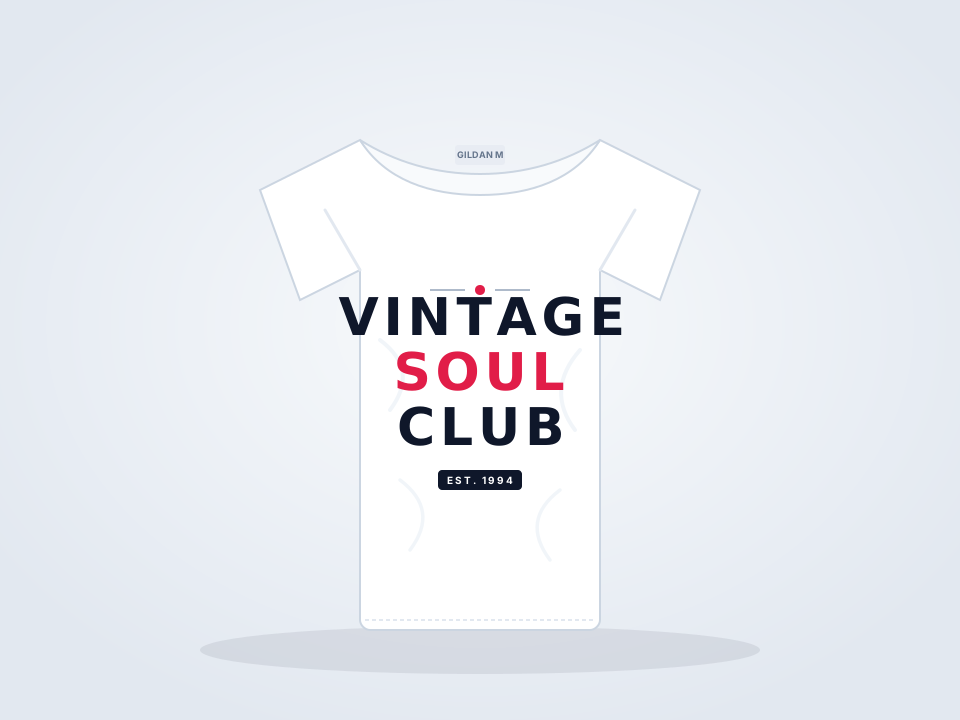
Replace quotes, retro graphics, and slogans on t-shirt mockups while following chest contours and fabric texture.


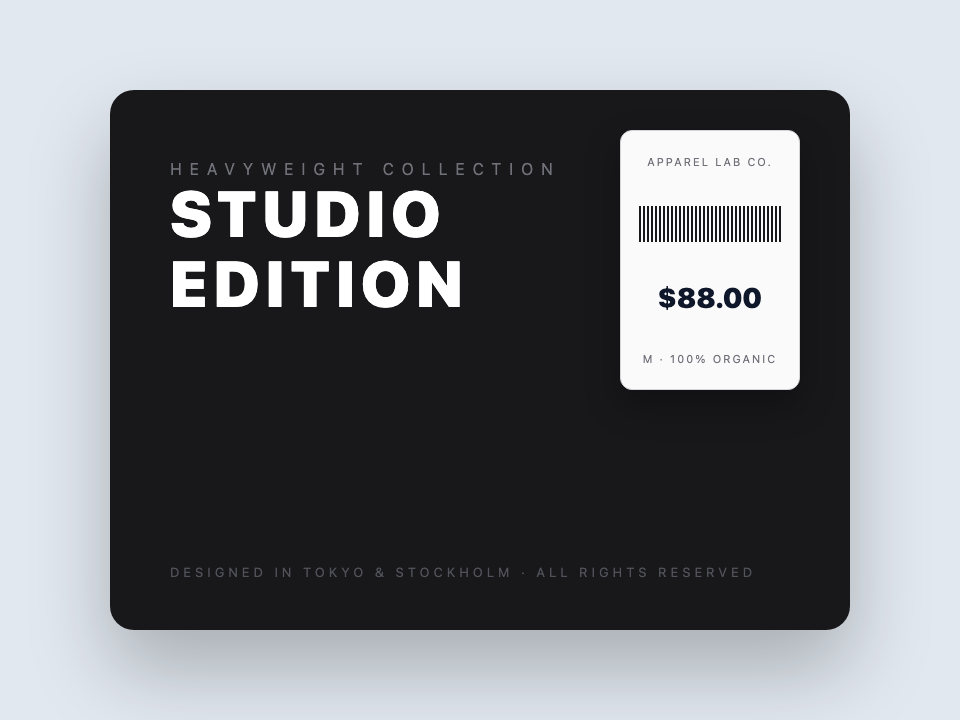
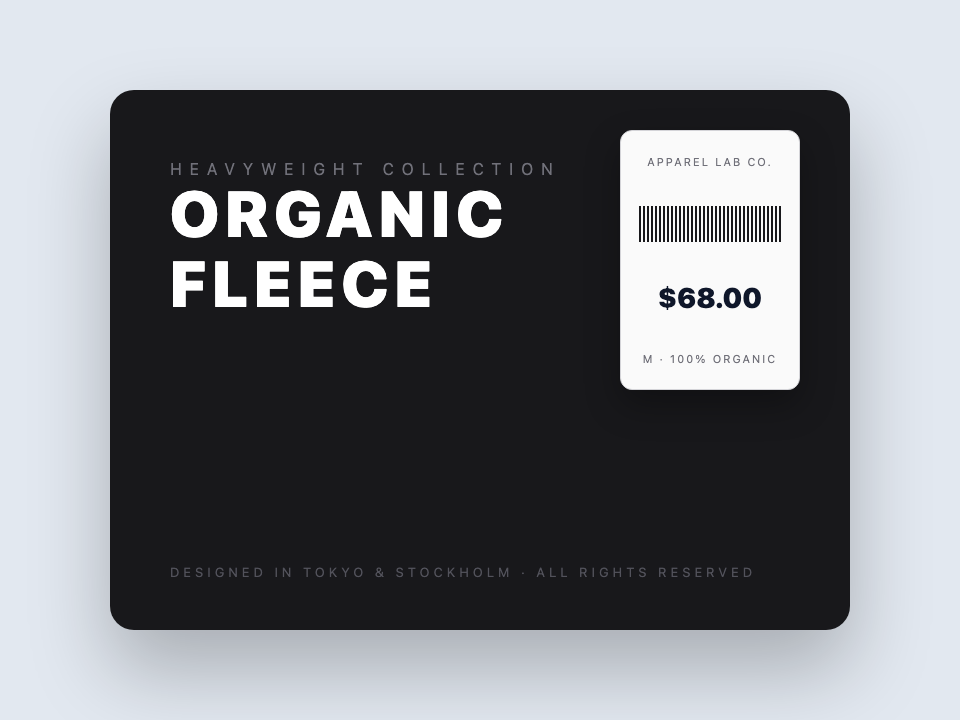
Update collection titles, prices, and tag copy across streetwear and hoodie photography with matching typeface.
Fast, non-destructive editing in three simple steps.
Upload your model photo, flat-lay apparel shot, or POD mockup (PNG, JPG, WebP up to 10 MB).
Type the current slogan on the shirt and your new custom copy (e.g. YOUR DESIGN HERE to VINTAGE SOUL CLUB).
Download realistic apparel mockups with text naturally distorted across fabric wrinkles and cloth texture.
Common questions about text replacement and accuracy
PhotoTextEdit lets you replace printed text on T-shirt photos while preserving fabric texture, cloth folds, and natural lighting. Unlike basic photo editors that stamp a flat 2D text box, our generative AI analyzes the garment's 3D surface geometry, bending the new letters naturally across fabric wrinkles and body contours.
You can use PhotoTextEdit online directly in your browser without Photoshop or complex displacement maps. Upload your shirt photo, specify the current text and your new slogan. The AI recognizes the lettering and replaces it with authentic screen-print texture that blends naturally with the garment.
Yes. PhotoTextEdit is designed specifically for changing existing text on clothing photos and mockups. Upload your T-shirt mockup image, select or type the existing lettering, and enter your new slogan. The generative AI model respects the 3D drape of the cloth, ensuring the replacement text flows naturally across fabric wrinkles, folds, and highlights rather than looking like a flat overlay.
Yes. The AI inpainting and diffusion technology evaluates the underlying garment topography. Characters are synthesized with appropriate perspective distortion, shading, and highlight integration so the graphic looks genuinely printed onto the textile.
PhotoTextEdit is one of the best online tools for swapping slogans on T-shirt mockups and apparel photos. It preserves typography weight, ink texture, and cloth drape while allowing instant text swapping, ideal for rapidly iterating on design concepts.
Yes. Print-on-demand sellers on Etsy, Merch by Amazon, Shopify, and TikTok Shop frequently use PhotoTextEdit to create multiple slogan variations from a single winning model photo, cutting mockup production time from hours to seconds.
Yes. The AI works across t-shirts, oversized hoodies, crewnecks, baseball caps, athletic jerseys, and tote bags. You can replace back-print staff names, jersey player numbers, or hoodie chest slogans with matching fonts.
Ready to edit text in your photo? Upload and preview within seconds.
One-time credit packs, priced in USD. No subscription. Credits never expire.
$9.99
30 credits · $0.333 per edit
$19.99
75 credits · $0.267 per edit
$39.99
180 credits · $0.222 per edit
Credits never expire · Failed generations are automatically refunded · Commercial use included
Specialized guidance for apparel slogans, hoodie typography, and POD mockup variations.
Where our AI excels and delivers best-in-class output
Swap slogans, quotes, or numbers on apparel mockups without opening Photoshop displacement maps.
Synthesized typography follows fabric wrinkles, tension ripples, and body curves instead of looking like a flat sticker.
Naturally blends into cotton jersey weaves, heather textures, and ink distress for an authentic printed appearance.
Quickly create dozen slogan variations on Etsy, Merch by Amazon, or Shopify from a single winning lifestyle photo.
Inherits bold collegiate lettering, vintage distressed ink, and thick puff-print typography on heavy fleece.
Transparent guidance to save your time
This tool edits text on existing clothing photos; it does not change garment cut or generate new human models.
Intricate raised metallic thread embroidery and reflective sequins are best produced in dedicated 3D CAD suites.
When more than half of the target phrase is physically blocked by crossed arms or straps, font baseline alignment degrades.
Strictly prohibited: fabricating official police, military, emergency personnel, or regulated institutional insignia.