
What Is PhotoTextEdit? What It Can (and Can't) Do
PhotoTextEdit is an AI editor that replaces text on images directly, preserving fonts, lighting, and textures. Learn how it works, features, and best uses.

PhotoTextEdit is an online AI platform designed to replace, repair, or erase text directly on an existing image—without disturbing the original font styling, background texture, lighting, or natural perspective.
You upload a picture, type the existing words and the replacement you want instead, and within 30 to 60 seconds you receive a crisp 2K image that looks as if the new text was there from the beginning.
No Photoshop skills, no font hunting, and no source PSD files required.
The Core Concept: Editing the Image You Already Have
Traditional design software (like Canva or Photoshop) assumes you still have access to the original, layered project file. If a client sends you a flattened .jpg, you normally have to rebuild the entire graphic from scratch.
Generative AI platforms (like Midjourney) create brand-new images from text prompts, but they cannot surgically edit existing files without changing the composition.
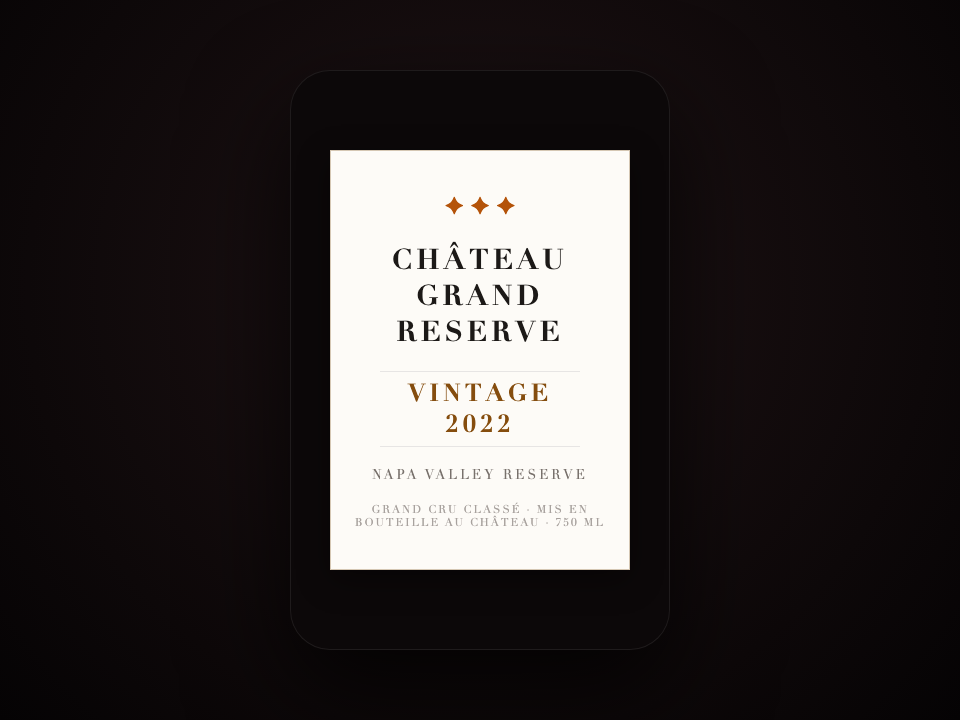
PhotoTextEdit lives right in the sweet spot between them: It edits text on a flattened image—a JPG, PNG, or WebP that was previously exported, photographed, screenshotted, or generated—without re-rolling the rest of the picture.
What PhotoTextEdit Can Do
One unified generative AI engine powers a variety of real-world workflows:
- Replace Text In-Place: Swap a headline, promotional discount, date, or name on a finished flyer or menu.
- Match Font Styles Automatically: Samples the typography, stroke weight, color, shadow, and angle directly from pixels (Try Match Font).
- Repair Garbled AI Text: Fix misspelled words in Midjourney, DALL·E 3, and FLUX artwork without re-rolling prompts (Try AI Text Fixer).
- Edit App & Web Screenshots: Update UI labels, numbers, and timestamps cleanly without blurry compression halos (Try Screenshot Editor).
- Change Dates & Times: Update annual dates on flyers, timetables, and conference posters (Try Date Editor).
- Erase Text Cleanly: Remove unwanted watermarks, stickers, and expired promo banners (Try Text Remover).
Output images are delivered at up to 2K high definition with full commercial use rights.


How It Works Under the Hood
When you submit an edit, the system executes three synchronized steps:
- Detection & Segmentation: The AI precisely detects the pixel boundary of the target text string.
- Background Inpainting: The old letters are eliminated, and the background surface (textures, grain, ambient lighting, shadows) is reconstructed.
- Typography Re-Rendering: The new words are rendered using the sampled font characteristics, conforming to the natural surface angle and lighting.
If a technical error or timeout occurs during generation, credits are automatically refunded to your balance immediately.
What PhotoTextEdit Cannot Do (Our Limits)
We believe in complete transparency about where our tool is not the right fit:
- It is not a full vector layout editor: It modifies text in-place on existing images; it does not reposition other graphic elements or resize your canvas.
- Long paragraphs of tiny body copy: Modifying short headlines, titles, dates, and prices is where the tool excels. For full multi-paragraph documents, re-typesetting in Word or InDesign is faster.
- Severely distorted or illegible lettering: If the original text is so compressed or blurry that a human cannot read it, the AI cannot reliably infer the typography.
- Direct PDF editing: Scanned PDFs should be converted to JPG or PNG before uploading.
What We Will NEVER Support (Safety & Guardrails)
We uphold a strict Acceptable Use Policy and legal compliance boundary:
- No official identity documents: Passports, driver's licenses, national ID cards, and government credentials are strictly prohibited.
- No fraudulent modifications: Tampering with financial receipts, bank statements, contracts, or tax invoices to deceive others is illegal and forbidden.
- No deceptive chat manipulation: Fabricating fake social media or messaging evidence is barred.
Uploads violating these standards are automatically rejected by our safety filters.
Pricing & Getting Started
- Free Trial: New users receive complimentary trial credits upon signup to test the quality on real images with no credit card required.
- No Subscription Lock-In: Credit packages are simple one-time purchases with zero recurring charges. Credits never expire.
- 14-Day Guarantee: We offer a 14-day refund policy on unused credits, and failed AI generations are auto-refunded instantly.
Ready to test it on your image? Open the PhotoTextEdit Studio now.