
Fashion Lookbook & Apparel Promo Poster
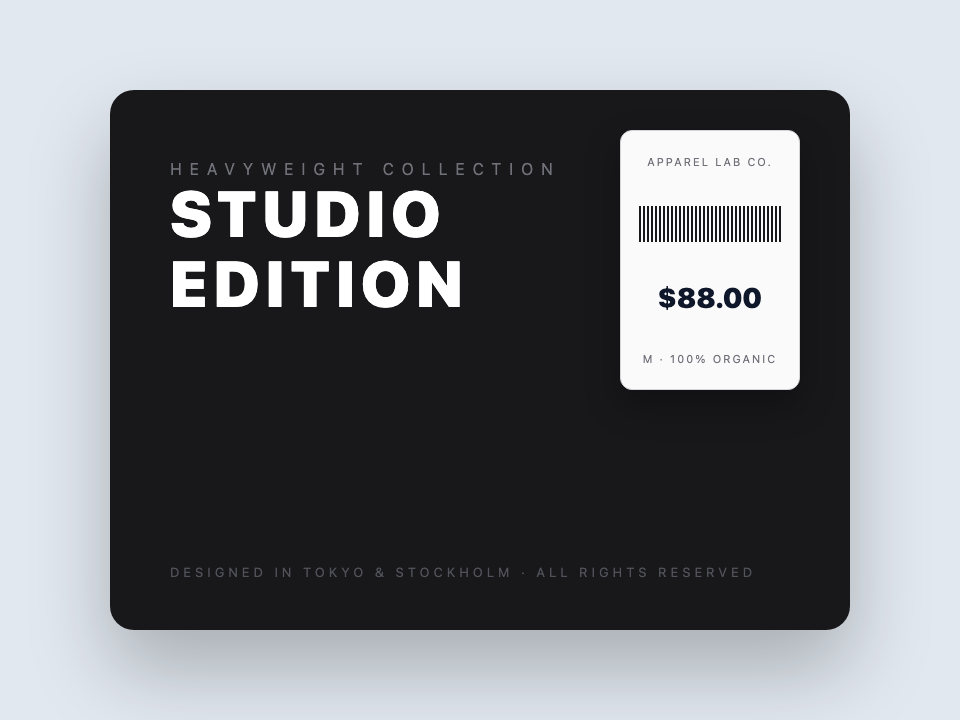
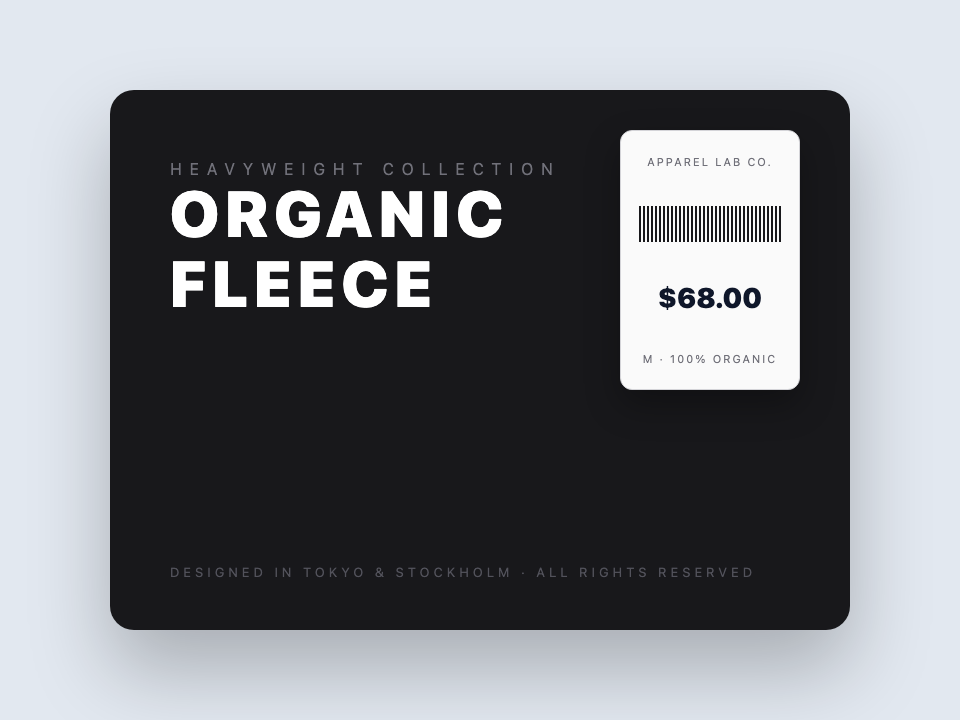
Update product lines and prices on apparel lookbooks with typography, lighting, and layout preserved.
Update dates, artist names, speaker lists, and headlines on finalized event posters and flyers without reopening design source files.
No image? Try these:
Click to load example1 credits · 1K (30–60s)
Failed generations are automatically refunded.
By clicking Generate, you confirm you own or are licensed to edit this image and that the edit is not intended to deceive a third party — including visa or immigration submissions, fake refund or transaction proofs, and email or chat screenshots altered to falsify sender, content, or timestamp. We do not process IDs, passports, visa support letters, official seals, bank statements, or tampered receipts. Violations result in account termination without refund; request logs are preserved. See Acceptable Use
Trusted by 100,000+ creators & businesses across 180+ countries
When an event changes, the poster artwork does not need to be rebuilt from scratch. Replace text on your finished event poster with AI that mirrors original typography, paper texture, and print color.
All samples below are actual AI test results processed by PhotoTextEdit, demonstrating realistic lighting, textures, and typography. Click any preset to load and verify live.


Update product lines and prices on apparel lookbooks with typography, lighting, and layout preserved.


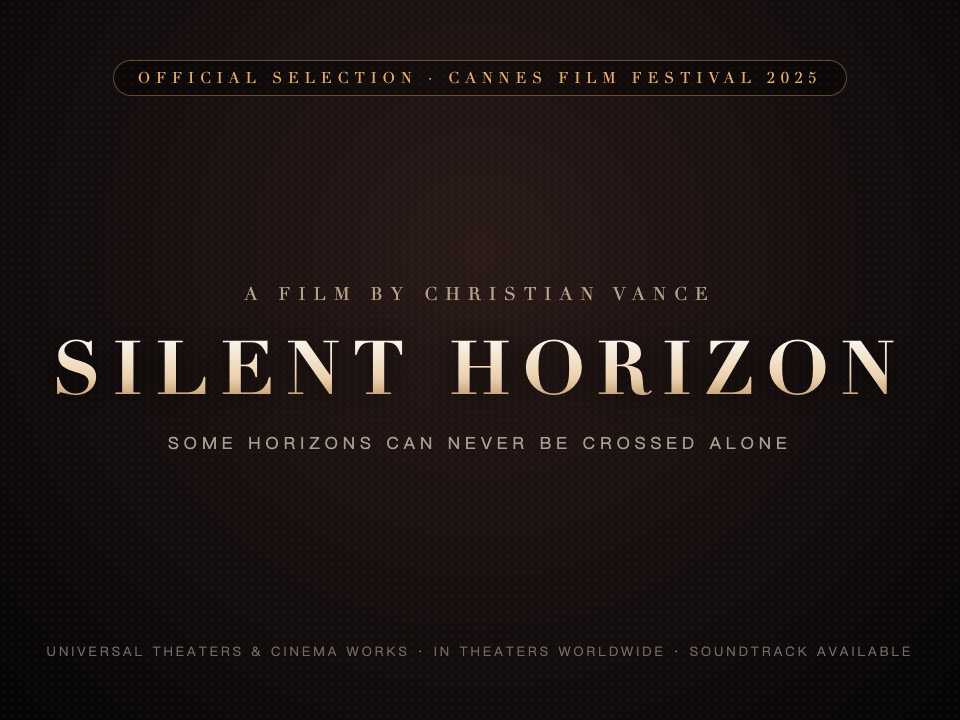
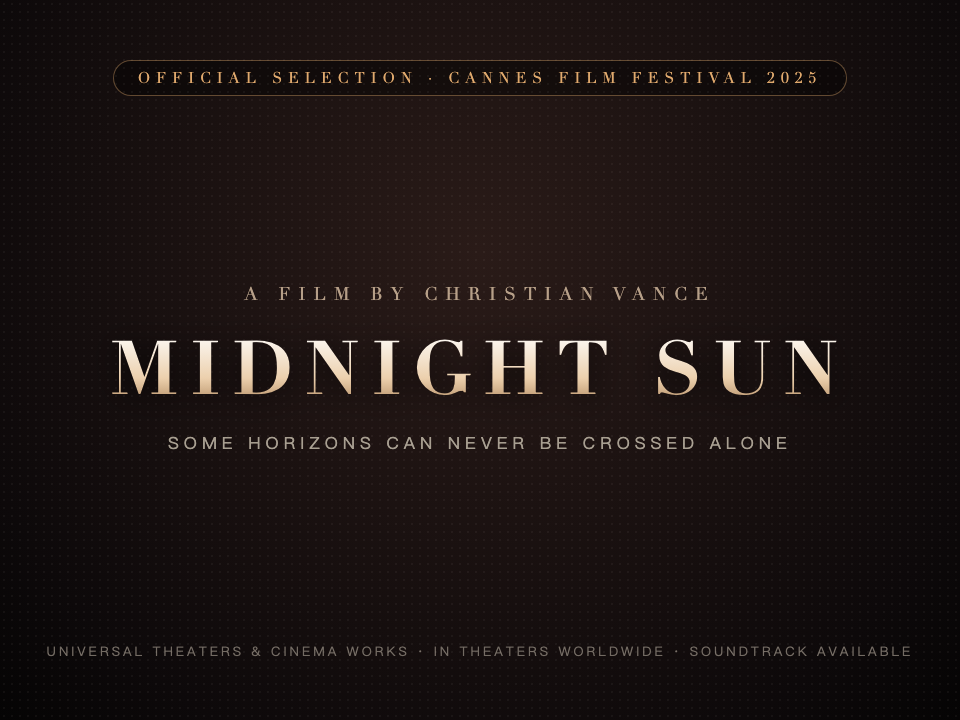
Swap headline titles and release dates on movie and event posters while retaining distressed styling and dramatic lighting.
Fast, non-destructive editing in three simple steps.
Choose your event flyer or poster as PNG, JPG or WebP up to 10 MB.
Type the exact words to replace and what should be written instead.
Inspect typography, colors, and layout before downloading the ready-to-print poster.
Common questions about text replacement and accuracy
Yes. PhotoTextEdit works directly on flat image formats (JPG, PNG, WebP) without needing Photoshop or source files.
Yes. The AI analyzes visual features directly from surrounding pixels to synthesize matching characters, even for uninstalled fonts.
Fast mode renders at 1K. Pro mode supports up to 2K with purchased credits; free credits render at 1K. Check the output dimensions and your required print size before printing.
You can perform successive edits or update full phrases in one go.
Ready to edit text in your photo? Upload and preview within seconds.
One-time credit packs, priced in USD. No subscription. Credits never expire.
$9.99
30 credits · $0.333 per edit
$19.99
75 credits · $0.267 per edit
$39.99
180 credits · $0.222 per edit
Credits never expire · Failed generations are automatically refunded · Commercial use included
Specialized boundaries for event rescheduling, headline swaps, and promotional flyers.
Where our AI excels and delivers best-in-class output
Update event schedules, times, and venue addresses on finalized posters without designer turnaround times.
Swap performer names, keynote titles, or co-host logos while keeping photography and background untouched.
Revise promotional percentages (e.g. 40% OFF to 55% OFF) matching bold italic slant and stroke outlines.
Reconstructs dramatic display serif letterforms, cinematic glows, and moody shadows on entertainment graphics.
Generate multi-city tour variants from a master key visual in minutes.
Transparent guidance to save your time
To compose a new poster from scratch with multiple photographic assets, use Canva or Photoshop.
This tool strictly modifies typography; it does not perform portrait beauty retouching or restyle faces.
For 6-meter highway billboard printing requiring vector separation plates, use original vector art.
Strictly prohibited: falsifying municipal regulatory approval numbers or official government stamped seals.